 COME
COMECOME offers the same version again: should you redownload?
An app page offering the same version does not automatically mean you need another copy. Compare the installed state and the reason for downloading.
Check what you already have
If COME is installed and working, note its version before acting. If you only have a saved file, check whether it completed. Repeating a download can create a duplicate without changing the installed app.
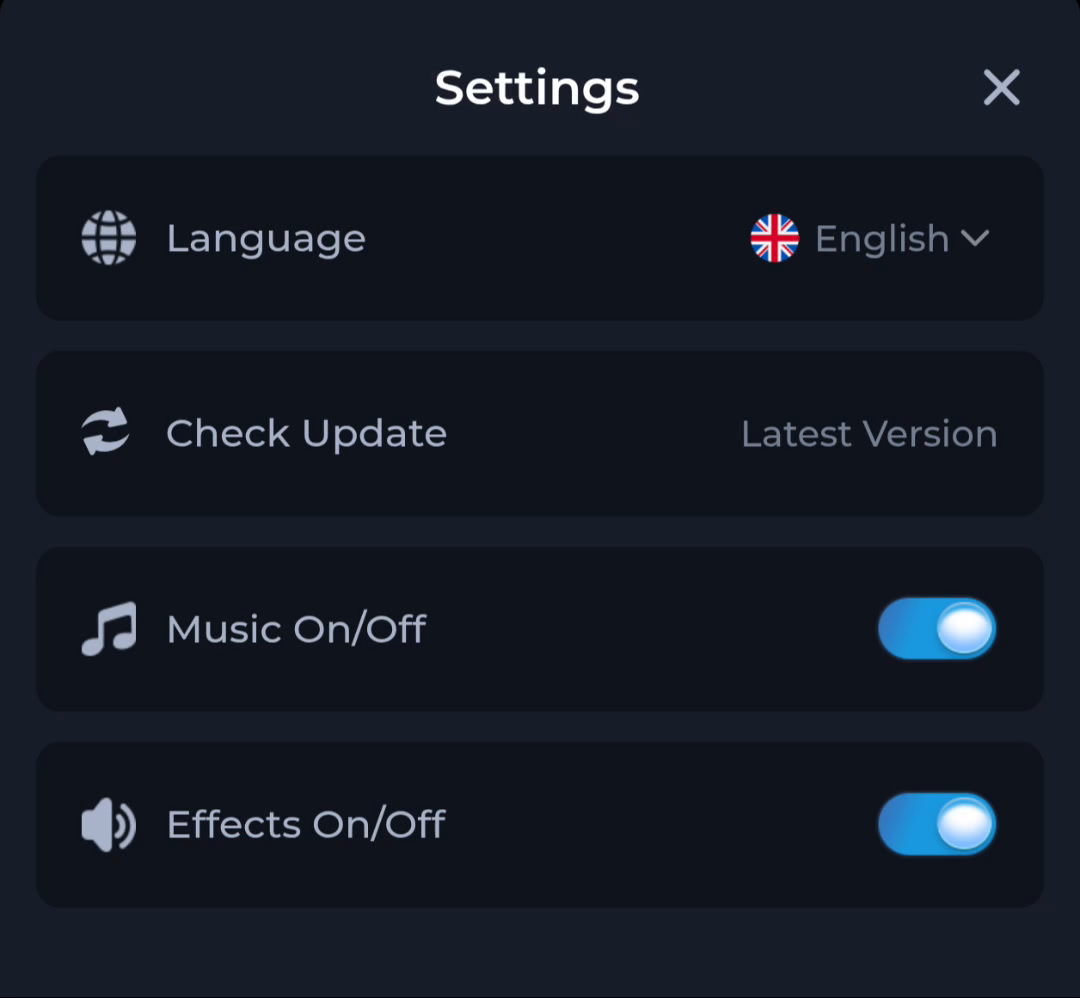
Read the update status
The Settings update action and the destination's version field may describe different stages. A status label alone is not proof of a new file. Record exact identifiers when visible instead of relying on the word latest.
Choose by task
A replacement download can be appropriate when the earlier transfer failed or the file is no longer available, but the cause should be clear. Do not uninstall or clear data merely to force the same version through again.
A useful next step
Proceed only when you can explain what another download would resolve.
Related: A higher COME version label with a different app identity