 COME
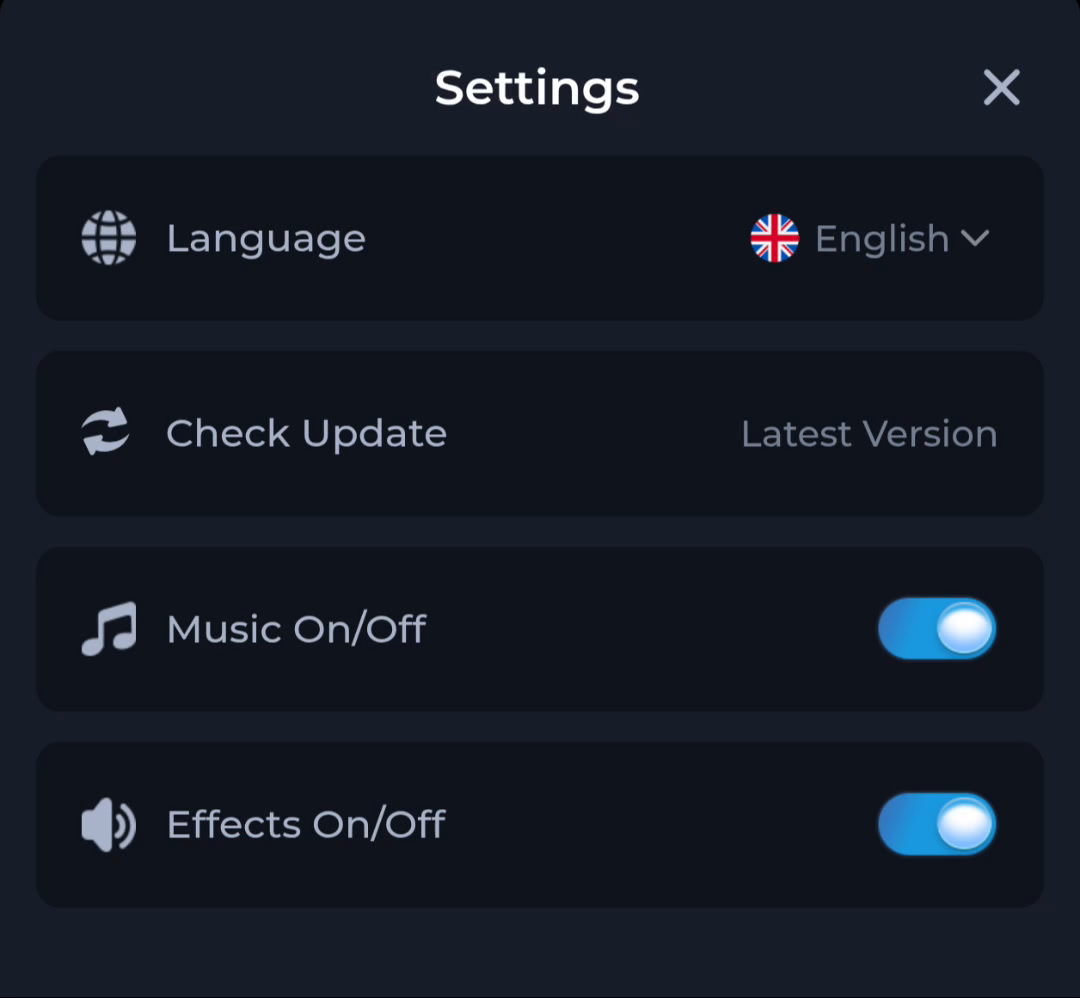
COMECOME Music and Effects controls in Settings
COME Settings separates Music and Effects controls from Language and Check Update. Review the relevant control when adjusting the app's sound experience.
Read the labels
The Settings panel shows distinct Music On/Off and Effects On/Off rows. Their visible switches indicate separate controls. A particular game or current app version may behave differently, so observe the response on your own device.
Check phone sound too
If you hear no sound, the phone's media volume or other device-level settings may also matter. Changing an app toggle and changing the phone volume are different actions. Test one at a time to understand the result.
Keep the task bounded
A sound preference is not a download or account-recovery setting. Do not reinstall the APK or clear account data just to test a toggle. Read the current interface and restore a preference if the result is not what you intended.
A useful next step
Use Settings for the sound control and the download guide only when the file or installation needs attention.